
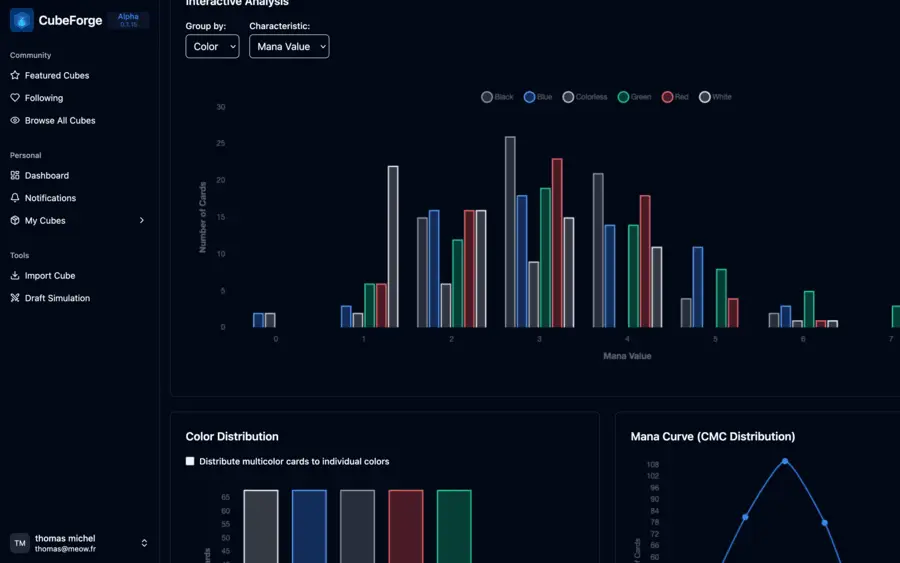
MTG Draft Simulator
Draft Magic cubes and set cubes online in seconds. Play solo with bots, invite friends to a live draft, or test your own cube with Booster, Winston, Pancake, and custom draft formats.
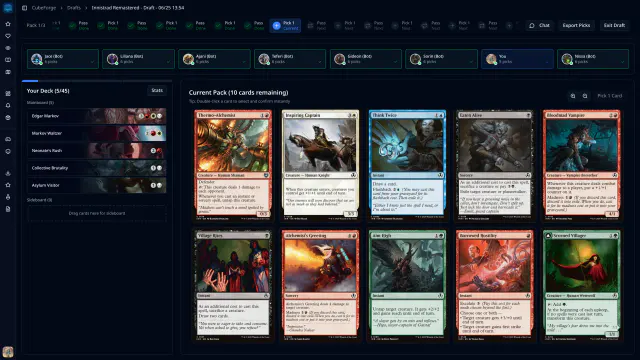
How the MTG Draft Simulator Works
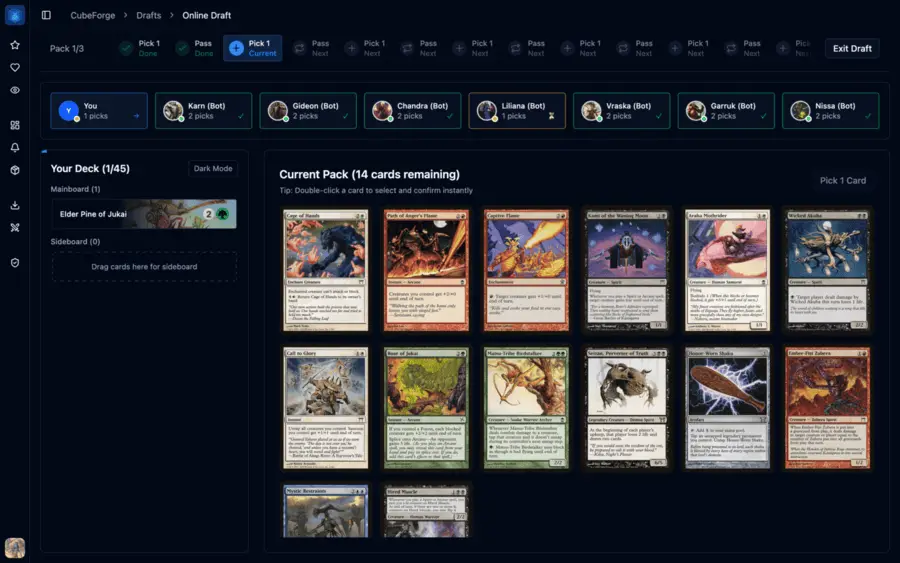
Pick the cube, invite the table, and draft through the packs. CubeForge keeps the flow clear from setup to deckbuilding.
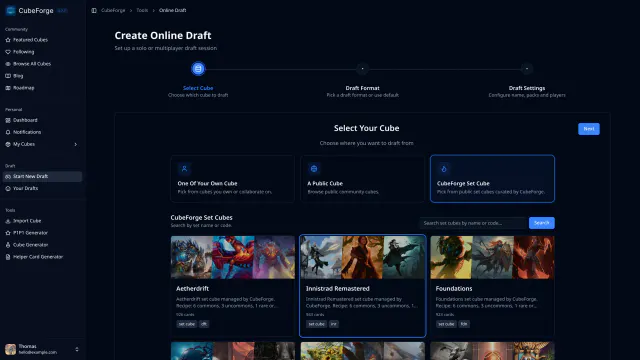
Choose the card pool
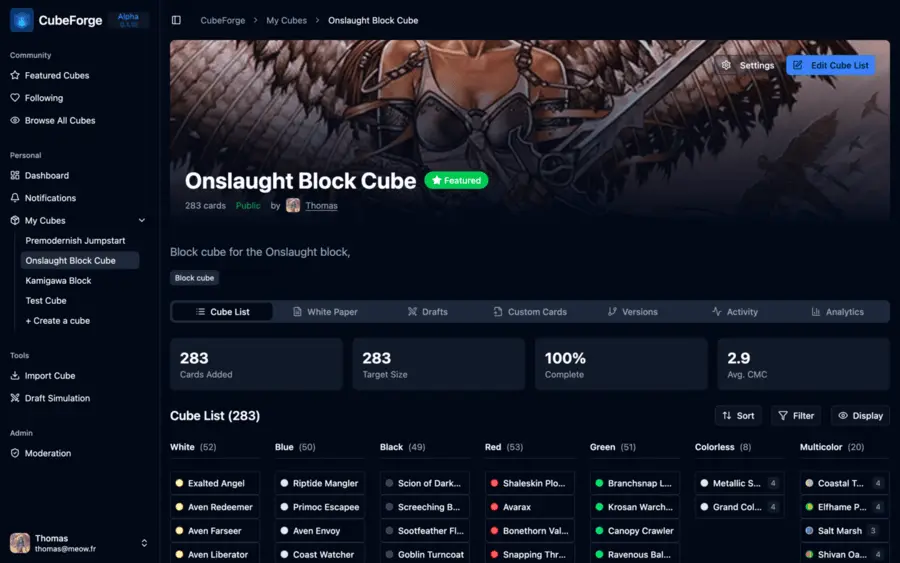
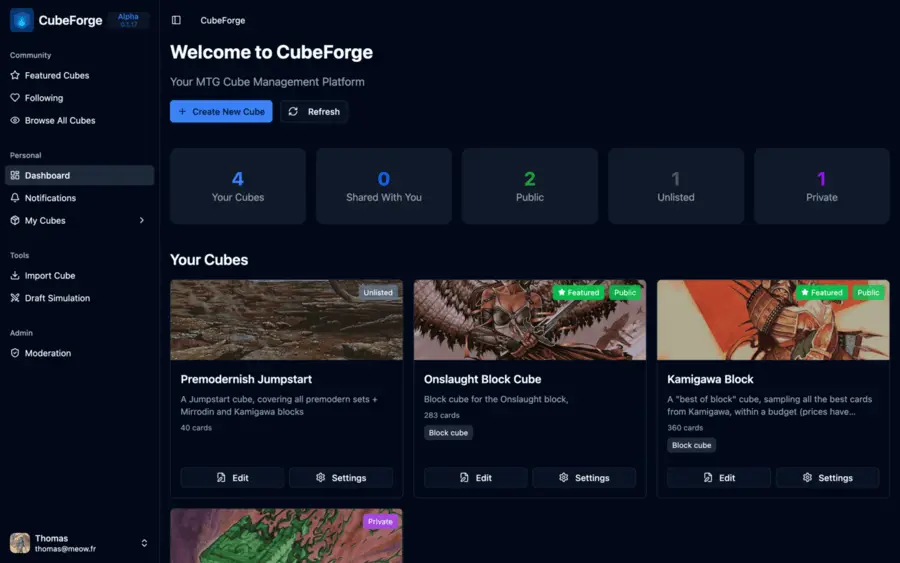
Start from the environment you actually want to test: a public community cube, one of your own lists, or a curated set cube built for repeatable Limited practice.
Why Use CubeForge for Online MTG Drafts?
CubeForge is built for drafting real cube lists online, whether you are playing with friends, trying a public cube, or recreating a set draft.
Remote cube nights without setup pain
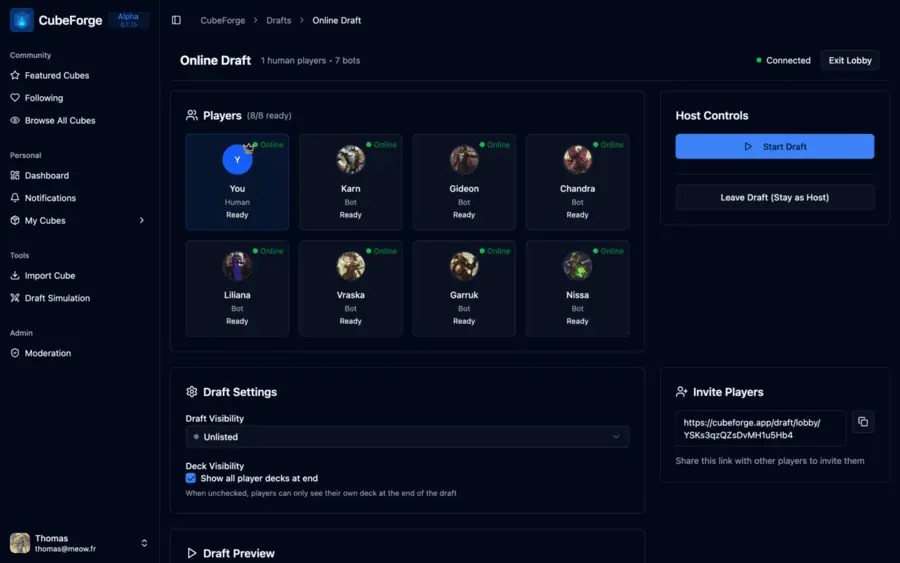
Create a lobby, share a link, and keep the whole table synced from pack one to deckbuilding.
Solo drafts when your pod is offline
Fill seats with bots to test a cube, practice picks, or learn a set before playing with friends.
Format support for how you actually draft
Draft Booster, Winston, and Jumpstart, with custom pack structures when your cube needs finer control.
A draft flow that stays out of the way
Move from setup to picks to deckbuilding in a focused interface built for quick decisions on desktop and mobile.
Who Is This Draft Simulator For?
Use CubeForge to practice Limited environments, test your own cube, or jump into a new list without setup friction.
Use case
Practice any Limited set
Choose a curated CubeForge set cube when you want to practice a Limited format without buying, sorting, or opening more boosters. Each set cube is built to make repeat drafts feel close to the real environment.
Browse set cubesUse case
Draft your cube online
Use online drafts to stress-test your own cube list, see which archetypes come together, and get real pick data from solo bot drafts or live sessions with your playgroup.
Start draftingUse case
Discover new cubes
Browse public cubes from other designers, jump into a draft, and experience new environments without importing lists or setting up packs by hand.
Browse public cubesDraft MTG Set Cubes Online
CubeForge set cubes are curated from real Magic sets and built around rarity ratios that make drafts feel close to opening a real box, so you can practice a Limited environment without buying more boosters.
Learn the environment
See the commons, uncommons, and rares often enough to understand what the format is asking you to do.
Run it repeatedly
Draft the same set with friends without buying, sorting, or opening more boosters.


The Hobbit
Journey from the Shire to the Lonely Mountain in a focused five-archetype draft environment built around the armies of The Hobbit.


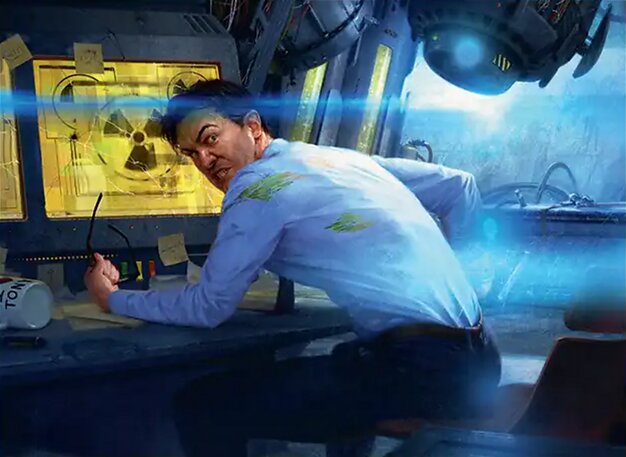
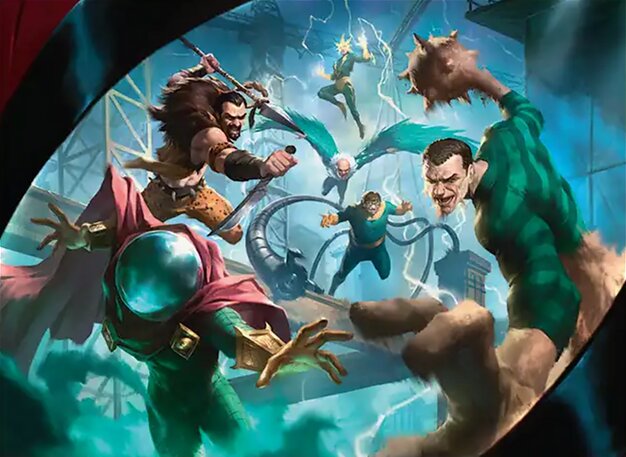
Marvel Super Heroes
A superhero-packed Limited environment built around teamwork, power-ups, legendary characters, and interconnected creature and spell synergies.


Secrets of Strixhaven
A spell-driven Limited environment built around Strixhaven’s five colleges, Prepare cards, and five distinct college mechanics.

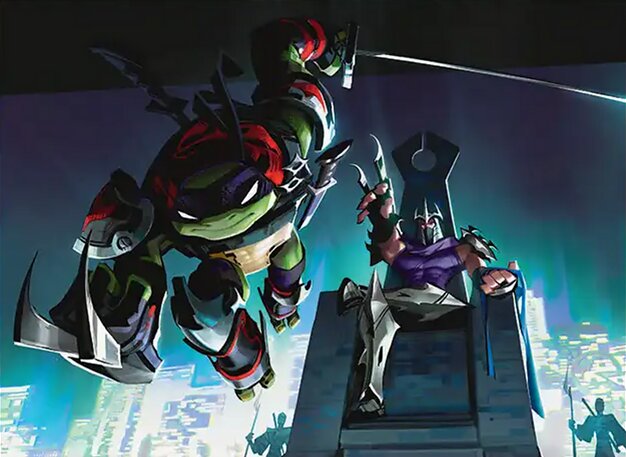
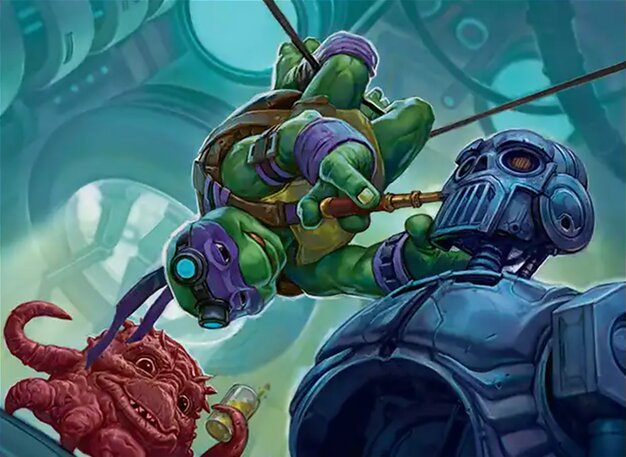
Teenage Mutant Ninja Turtles
Sneak ninjas past blockers, mutate creatures with ooze, and build around five focused enemy-color strategies from across TMNT history.
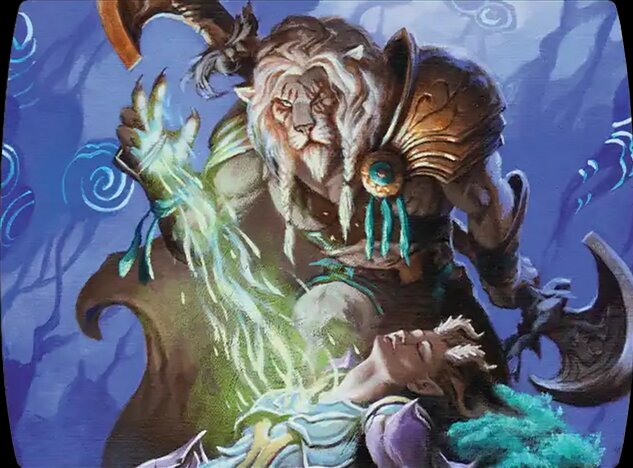

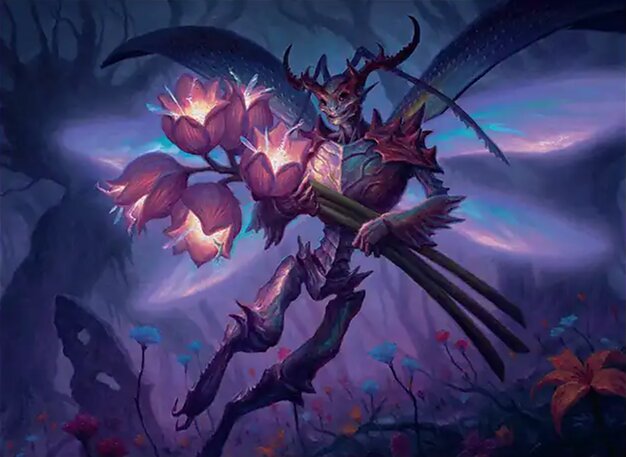
Lorwyn Eclipsed
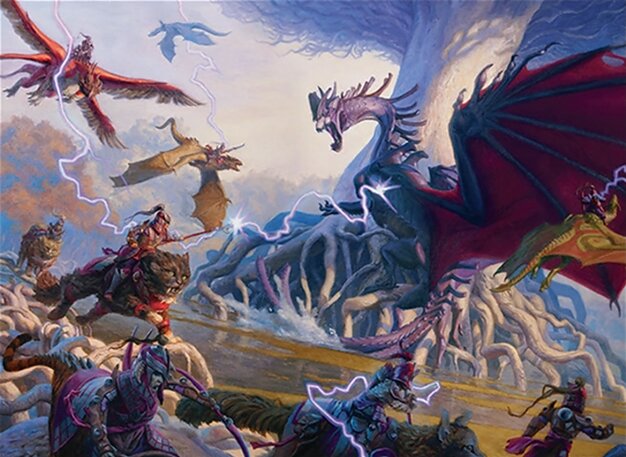
Build around Lorwyn’s returning creature types, exploit -1/-1 counters with Blight, or assemble a colorful board for powerful Vivid payoffs.
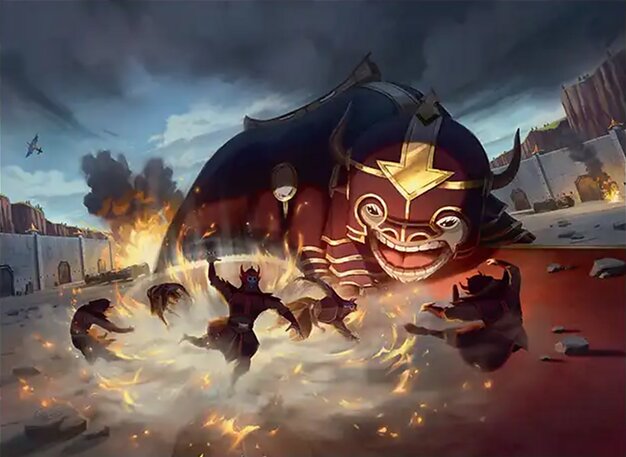


Avatar: The Last Airbender
Master the four bending styles, rally Allies, and turn Lessons, Clues, counters, and even your lands into tools across ten two-color strategies.










Start Your Next MTG Draft
Choose the cube, set up the lobby, and start making picks.
Cube, Set Cube, and Online Magic Drafts
CubeForge focuses on online MTG cube drafts and curated set cube drafts. You can draft your own cube, public community cubes, or set cubes designed to recreate the feel of drafting real Magic: The Gathering booster boxes with friends.
MTG Draft Simulator FAQ
Quick answers before you start drafting.
What is an MTG Draft Simulator?
An MTG Draft Simulator recreates the draft portion of Magic: The Gathering online, so you can pick cards from packs, read the table, and build from the pool you drafted.
What cubes can I draft?
You can draft public community cubes, cubes you own, cubes shared with you, and curated CubeForge set cubes.
Can I draft with friends?
Yes. Create an online draft lobby, invite your friends, choose the cube and format, then draft together in the browser.
What are CubeForge set cubes?
CubeForge set cubes are reusable draft environments built from real Magic sets. They use curated card ratios to make repeated drafts feel close to opening a real booster box.
Which draft formats are supported?
CubeForge supports Booster Draft, Winston Draft, Jumpstart, bot drafts, and custom pack structures, with more draft formats planned over time.
Can I draft solo with bots?
Yes. You can fill seats with bots when friends are not available, or use bots to quickly test how a cube or set cube drafts.
Do I need an account to start?
No. You can start a guest draft without signing up. Create an account when you want to save and manage your own cubes, drafts, and playtest history.
Does the draft simulator work on mobile?
Yes. The draft flow is designed to work in the browser on desktop and mobile, while larger screens remain more comfortable for managing big cube lists and deckbuilding.
Is CubeForge a free MTG draft sim?
Yes. CubeForge is free to use for cube drafts and set cube drafts. You can draft public cubes, try curated set cubes, or create an account to manage your own cube drafts.